
Blog & News
What’s new in Yonder Release 10.0
Yonder Release 10.0 is here. The new Regulations Library makes compliance management smarter, and Configurable PDF gives you full control over how your documents look. Both are available in the Admin Console, alongside refinements to the Diff Viewer and the publishing workflow.
Regulations Library: manage all your regulations in one place
Linking your documentation to regulations is only as reliable as the regulatory content behind it. With the new Regulations Library, you can subscribe to and manage regulatory content bundles directly in the Admin Console.
Once subscribed, you can link your content to the regulations within Yonder itself. When a regulation changes, your team receives an automated change request, and Yonder handles the maintenance of the regulatory content for you. No third-party supplier needed.
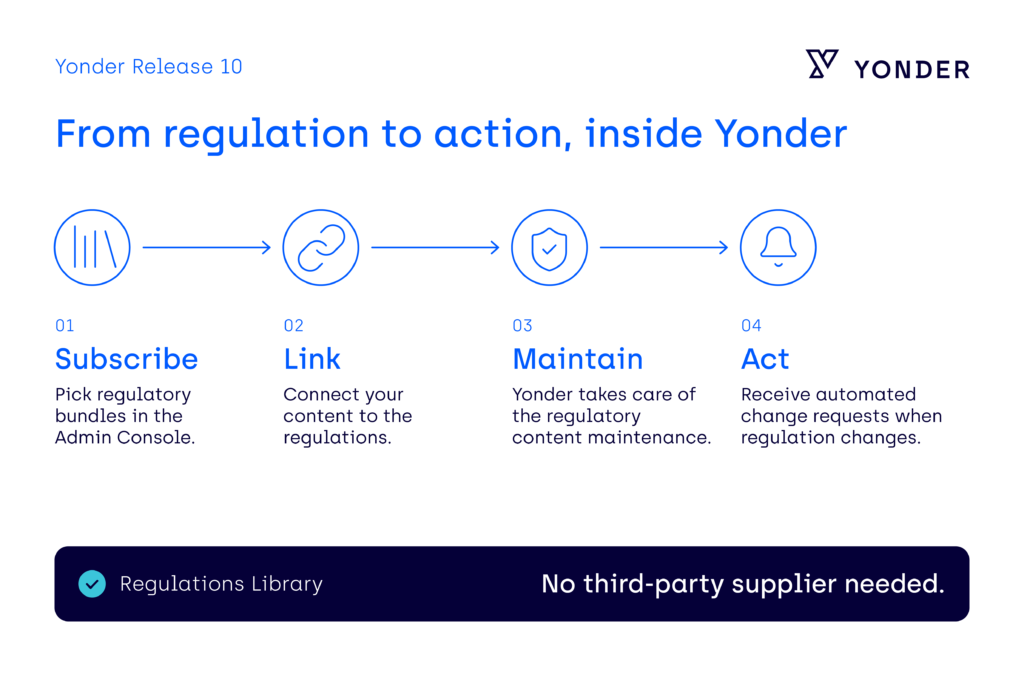
The Regulations Library builds on Yonder’s patented link engine, which connects your documentation to the regulations behind it. If a regulation you need is missing, your account representative is happy to help. Read the Regulations Library for the full details.
Configurable PDF: your layout, your standards
PDFs for authorities, audits and crew handouts should look exactly the way your organization intends. You can now create and maintain your own PDF styling configuration in the Admin Console, including cover pages, headers and footers, fonts, colors and other formatting. It works without a support request and at no extra cost.
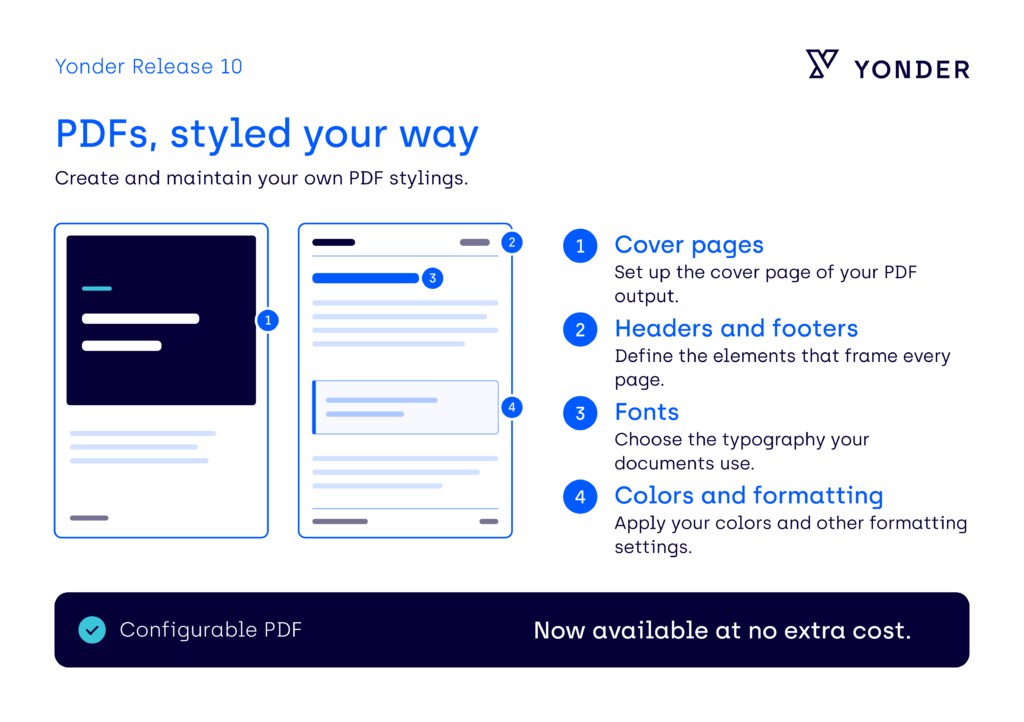
See how Configurable PDF works in the knowledge base.
Further improvements
- Clearer change reviews: When you compare document versions, Yonder now shows suggested wording only where it is actually needed. Changes that have already been taken over show a clear message instead, so reviewers see less clutter and can focus on what matters.
- Simpler publishing: Releasing an updated document now takes fewer steps. Yonder shows the publishing step only when it is needed, and approved changes are made available directly.
Every change in this release is listed in the Release 10.0 notes.
See it in practice
Curious to see Release 10.0 in action? Book a personalized demo with our team and see how Yonder can transform your content management.